
Carriers
Carriers your business can switch on.
Compare the prices of every carrier you switch on from one place, print their labels and track every parcel, whichever carrier is moving it.
- Many carriersOne list, cheapest first
- On or offOnly the carriers you use
- Near and farWithin Nigeria and abroad

Carriers we work with
Switch on the carriers you trust.
Every carrier below can be switched on for your business. Its price then appears next to the others on every parcel.
13 carriers to choose from
Aramex
AvailableChowdeck
AvailableDellyman
AvailableDHL Express
AvailableFedEx
AvailableFez Delivery
AvailableGIG Logistics
AvailableRedstar Express
AvailableRoutelift
AvailableShip to Naija
AvailableTerminal Express
AvailableTerminal Lite
AvailableUnited Parcel Services
Available
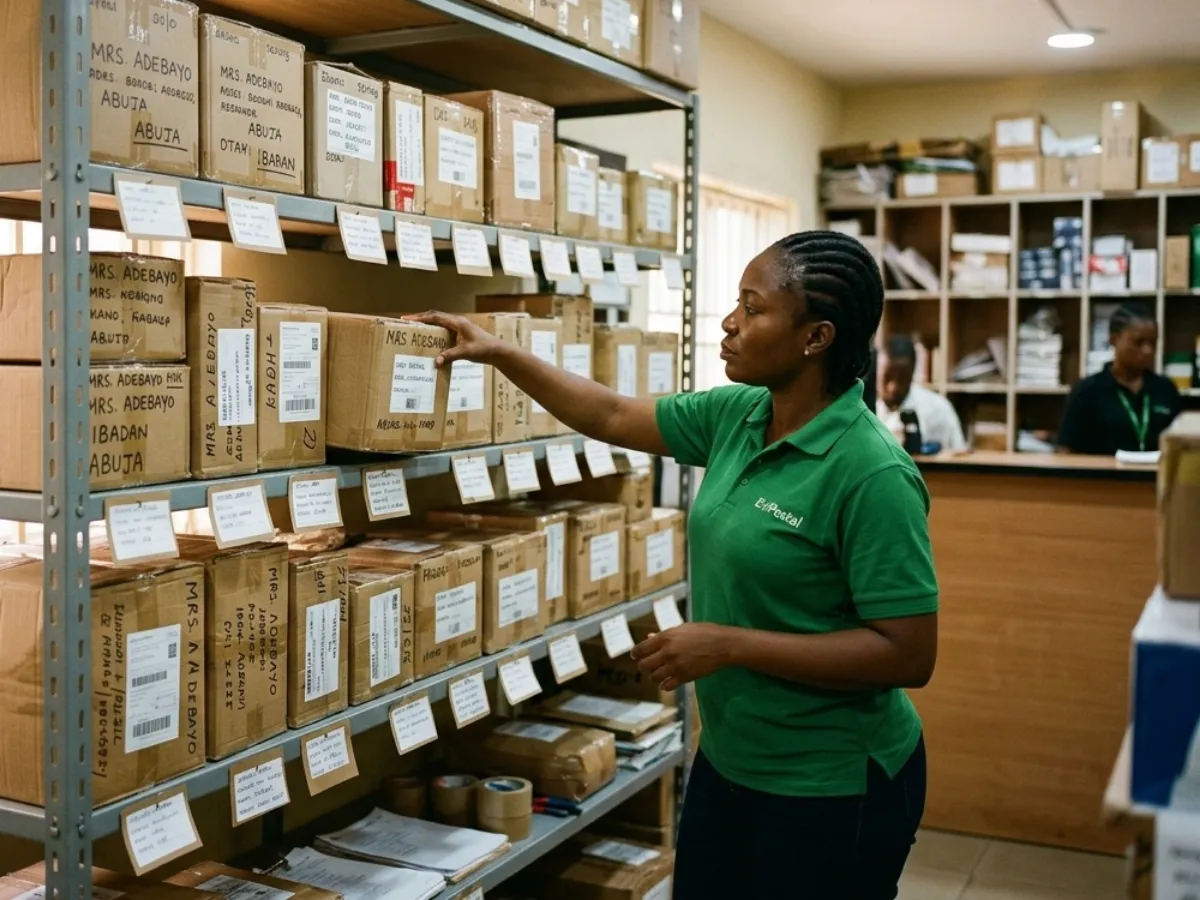
Your business, your choice
Switch on the carriers that work for you.
Add or remove a carrier at any time in Settings → Carriers. Your staff and your customers only ever see the carriers you chose.
- Switch a carrier on or off in one tap
- A switched-off carrier leaves the POS, the rate calculator and Send a package at once
- A prepaid parcel from any of them can still be dropped off at your counter
Questions
Questions about carriers.
Which carriers are in EviPostal?
The ones on this page. EviPostal adds a carrier once it has agreed terms to offer it, and it appears here with its name and logo.
Do I need to switch a carrier on before using it?
Yes. Only switched-on carriers are asked for prices. You choose them in Settings → Carriers, and you can change your choice at any time.
Can I use several carriers at the same time?
Yes. Every carrier you switched on is asked for a price on every parcel, and the answers come back as one list, cheapest first, with the best value and the fastest marked.
How are the prices worked out?
Each price is the EviPostal rate for that carrier and service, for the weight, size and route you entered, with your own markup on top if you set one. The Pricing page explains how a price is made.
Can I switch a carrier off later?
Yes. It leaves the POS, the rate calculator and Send a package straight away. Shipments already booked with it keep their label and their tracking.
Why is a carrier missing for one of my parcels?
A carrier that cannot take that parcel, because of its size, its weight or where it is going, is left out of the list, so nobody picks a service that cannot be booked.
Ready to ship?
Compare carriers for your next parcel.
Create your business, switch on the carriers you want and see their prices side by side, with practice rates before you go live.
- Every carrier in one list
- Labels printed at your counter
- One tracking link per parcel