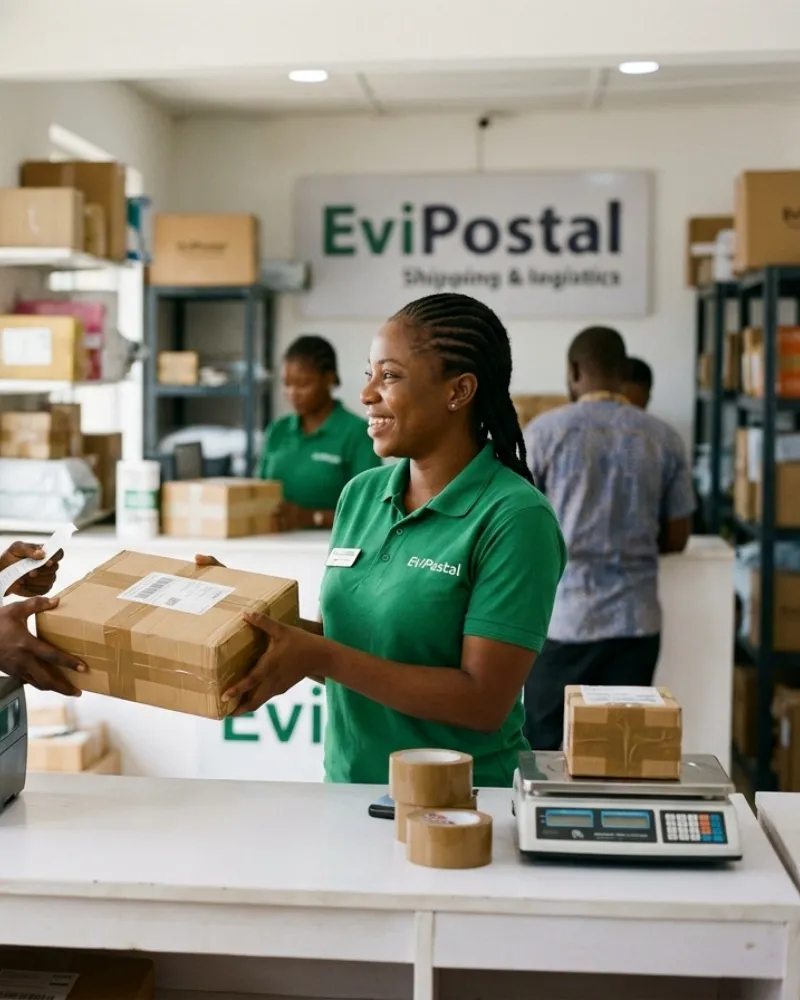
For shipping stores
The counter system for a shipping store.
Everything a pack-and-ship shop does in a day, from one screen in the browser: no install, no station limit, any computer.
- Every carrier in one list
- Cash, card, transfer or a mix
- Drop-offs and held parcels

The old way
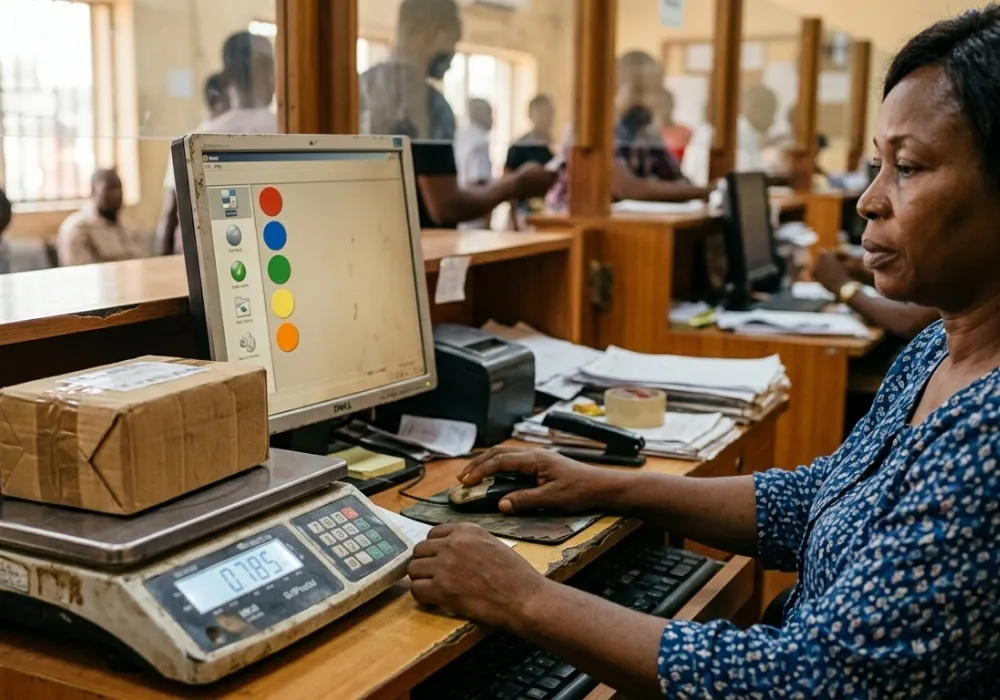
Five carrier portals, a notebook and a calculator.
A customer walks in with a parcel for Abuja. Someone opens one carrier’s portal, then another, writes the prices on paper, adds the shop’s margin in their head and takes the cash. The label comes out of one system and the receipt out of another.
Held parcels live on a shelf and in someone’s memory, and at the end of the day the cash in the drawer and the sales in the book rarely agree.
What changes at the counter
A simpler, faster and more organised way to work.
One sale for everything
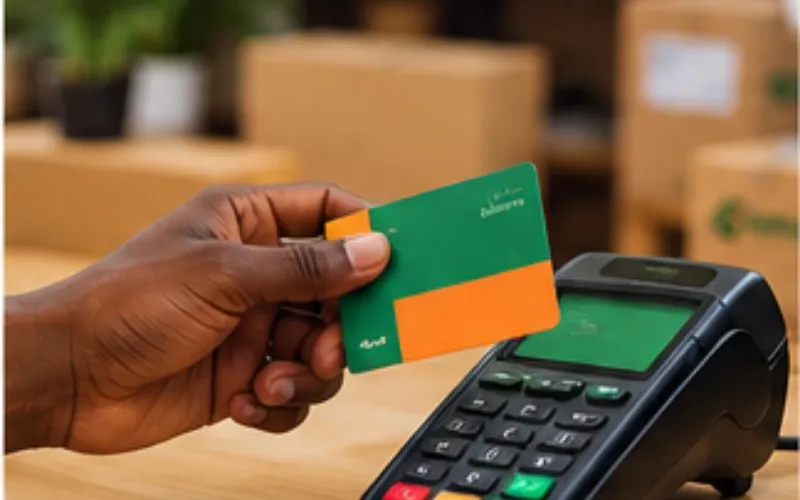
The shipment, a box, tape, insurance, a packing job and a mailbox renewal on one sale, with one receipt. Cash, card, transfer or a mix.
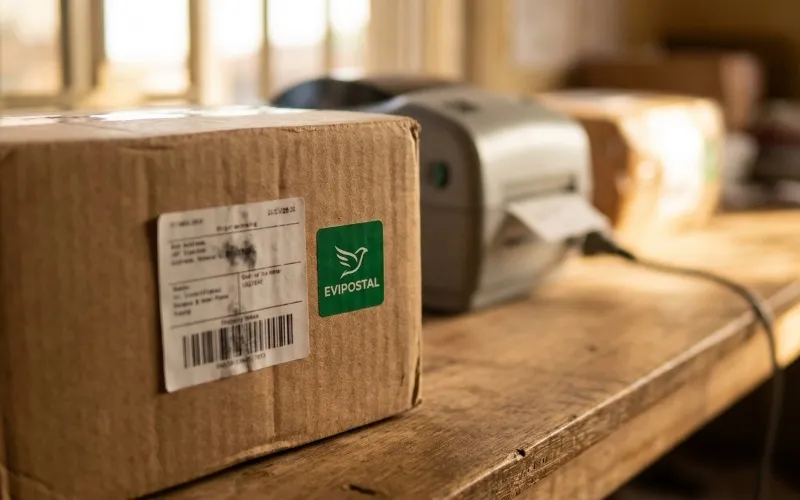
Drop-offs in seconds
A prepaid parcel is a scan, not a form. Confirm the carrier, hand over a receipt, and the custody record starts.
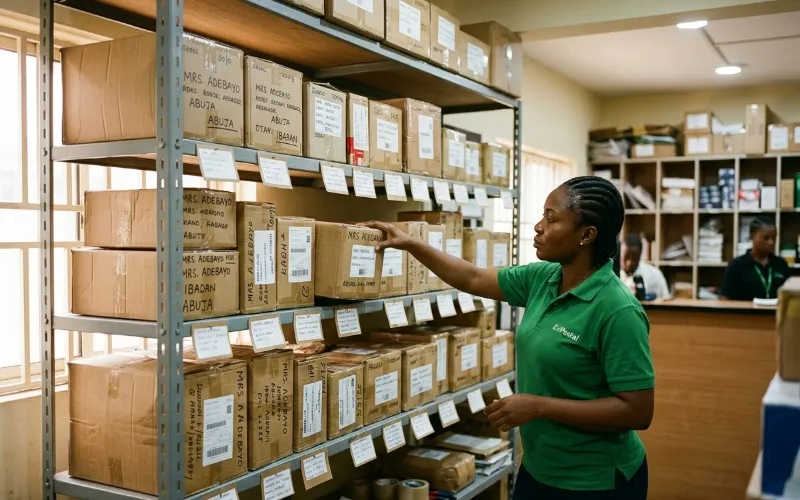
Held parcels with a record
Give each parcel a shelf, tell its owner it has arrived, and release it against their ID. Every change of hands is recorded.
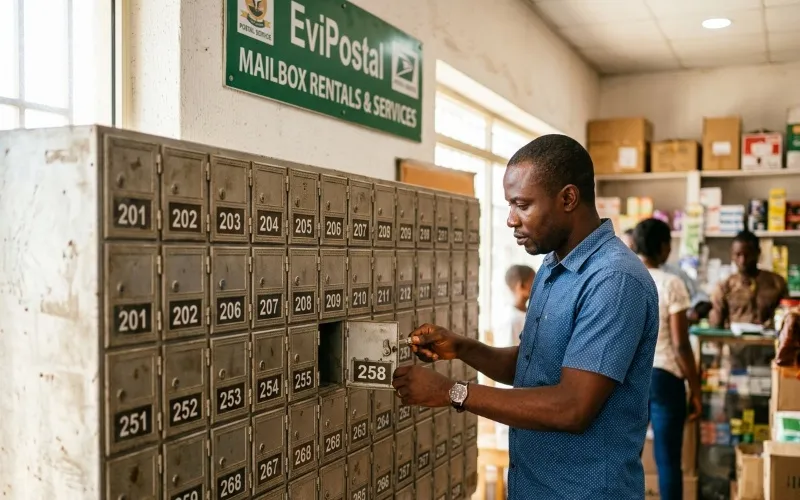
Mailboxes on a term
Open an agreement, keep the identity evidence it needs, bill it on a term, and be reminded before it expires.
Questions?
What people ask us first.
Quick answers to what shipping store owners ask before they start.
Do I need special hardware?
No. Any computer with a browser runs the counter. A scale, a label printer, a receipt printer and a scanner plug in when you have them, and a missing one never stops a sale: you type the weight and print later.
Can several staff share one computer?
Yes. Each person signs in with their own account and role, and switching between them on a shared computer does not lose a sale in progress.
What if a customer brings a parcel that is already paid for?
That is a drop-off: scan the label, confirm the carrier, hand over a receipt. It takes seconds, and the parcel is in your custody record from that moment.
What happens when the internet goes down?
Cash and transfer sales, drop-offs, receiving and releasing parcels keep working, marked as waiting until the connection returns and they sync. A live rate, a label or a card payment always needs the network.
Ready to get started?
Open your counter with EviPostal.
Create your business, add a store and a branch, invite your staff and sell your first parcel with practice rates.
- Runs in the browser, nothing to install
- No special hardware needed
- Practise with test rates first